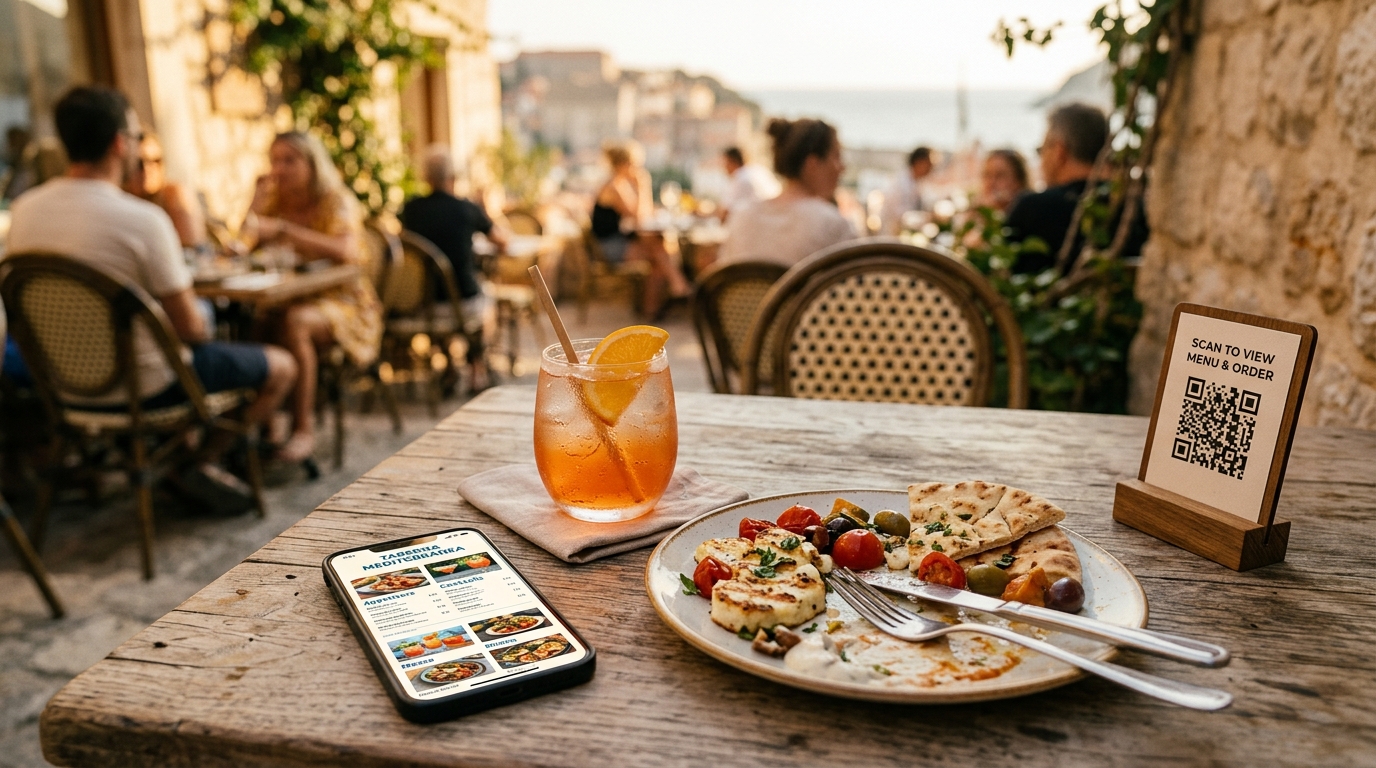
Order from your table.
No app. No wait.
QR ordering for restaurants and bars with real crowds. Guests scan the code to order and pay on their phones. You run the floor.
Used by independent restaurants and beach bars in Spain, Belgium and the Netherlands.
Set up in 5 minutes
-
1
Print the QR codes
Generate unique codes for every table from the dashboard.
-
2
Put them on the tables
Laminated, on a tent card, whatever works for you.
-
3
Open the tablet
Log in on any iPad or Android tablet. See orders as they come in.
-
4
Start taking orders
The order hits your tablet and the kitchen screen as soon as a guest scans. That simple.
What you need
- A printer
- A staple gun
- A tablet
How it works for guests
Scan the code
Point the camera at the QR code. No app. No sign-up.
Browse the menu
They get photos, descriptions and dietary tags. Everything they need to choose.
Order and pay
Tap to send the order to the kitchen. Split the bill or pay in one go.
Why restaurants switch
| Feature | Traditional POS | mozo |
|---|---|---|
| Setup time | Days to weeks | 5 minutes |
| Hardware cost | €1,000+ terminals | Any tablet |
| Guest app | Required download | None needed |
| Menu changes | Reprint & redistribute | Instant update |
| Terraces | Extra handhelds | QR codes only |
| Contracts | 12–36 months | None |
What actually changes
Faster table turns
Guests order when they want instead of waiting for a server, so the kitchen gets a steady flow and tables turn faster without anyone feeling rushed.
Higher tickets
Photos and modifiers on the menu sell extras without anyone pushing.
Fewer staff
One server covers more tables when guests order themselves.
Multi-language
The menu shows up in whatever language the phone uses.